
Guide
Best Shopify app to increase sales
Sales on a Shopify store grow in three ways. More visitors buy, each order gets bigger, or people come back. Every app worth installing does one of those jobs. This guide compares the kinds of apps that do, explains where discount pop-ups quietly lose money, and shows how DealCraft for Shopify turns a game into single use discount codes your checkout trusts.
What actually increases sales on a Shopify store
Revenue is visitors times the share who buy times the average order. An app helps only when it moves one of those numbers, and you only know it does by measuring. Install one app at a time and compare the two weeks before with the two weeks after.
Most small stores lose the sale at the same moment, when a first time visitor looks around and leaves. A reason to buy today, offered at that moment, is where most of the gain is.
The kinds of apps worth comparing
Email and SMS capture apps trade a small discount for a contact and bring the visitor back later. They work when you actually send good emails afterwards.
Upsell and cross sell apps suggest a second item in the cart or after checkout. They raise the average order but do little for a visitor who was never going to buy.
Review apps build trust on the product page. They matter most for stores selling something people cannot touch before they buy.
Discount and game pop-ups give a visitor a reason to buy now. Done well, they turn first time visitors into buyers. Done badly, they hand out codes that end up on coupon sites.
Why most discount pop-ups lose money
A pop-up that shows the same 10 percent code to everyone is a public coupon. Within days it is copied to deal sites, and customers who would have paid full price use it anyway.
Many wheel apps also create a real Shopify discount for every spin, with no budget behind them. The cost of the promotion is whatever visitors happen to win, and you find out at the end of the month.
A discount game your Shopify checkout trusts
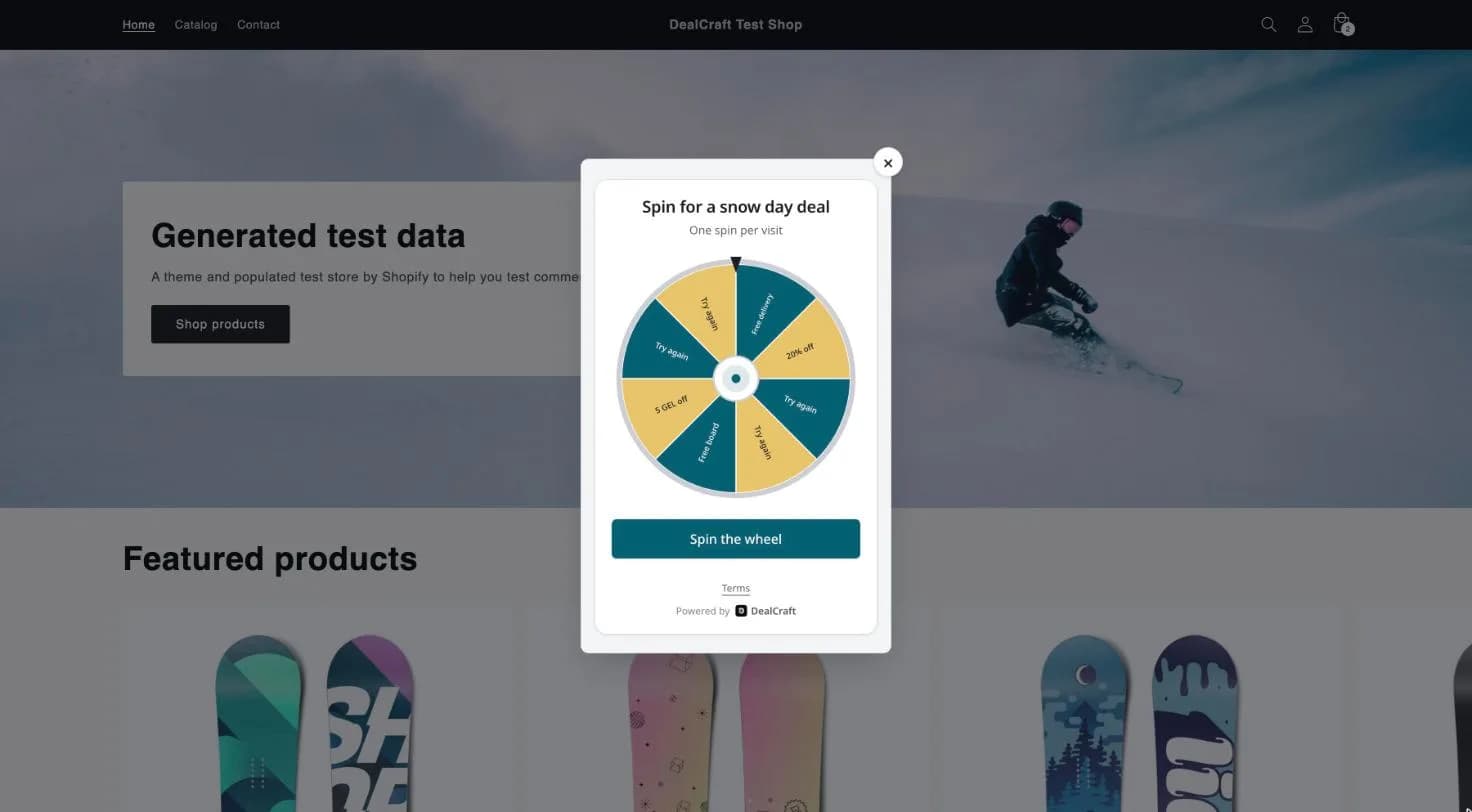
DealCraft shows a spin to win wheel, scratch card or mystery box on your store. Our server decides every result before the animation runs, so the odds you set are the odds you get, and a budget or a winner limit stops the game when it is reached.
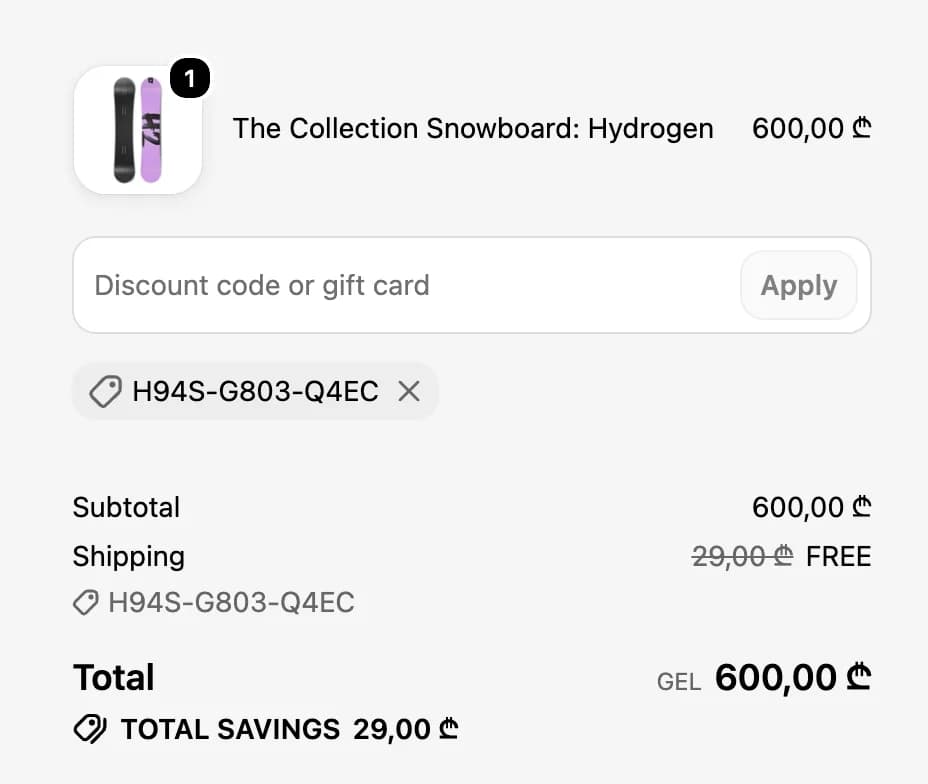
Each win becomes its own Shopify discount code that works once. It expires with the reward, carries any minimum purchase you set, and is marked used in DealCraft when the order is paid. A cancelled or refunded order gives the code back.
From the win to the cart in one tap
A winner taps Claim my prize and lands in the cart with the code already applied. There is no code to copy, so fewer winners give up between the game and the checkout.
A winner who copies the code instead can still type it at checkout. Either way, DealCraft creates the discount in your store within a minute of the win.
Set it up without touching your theme code
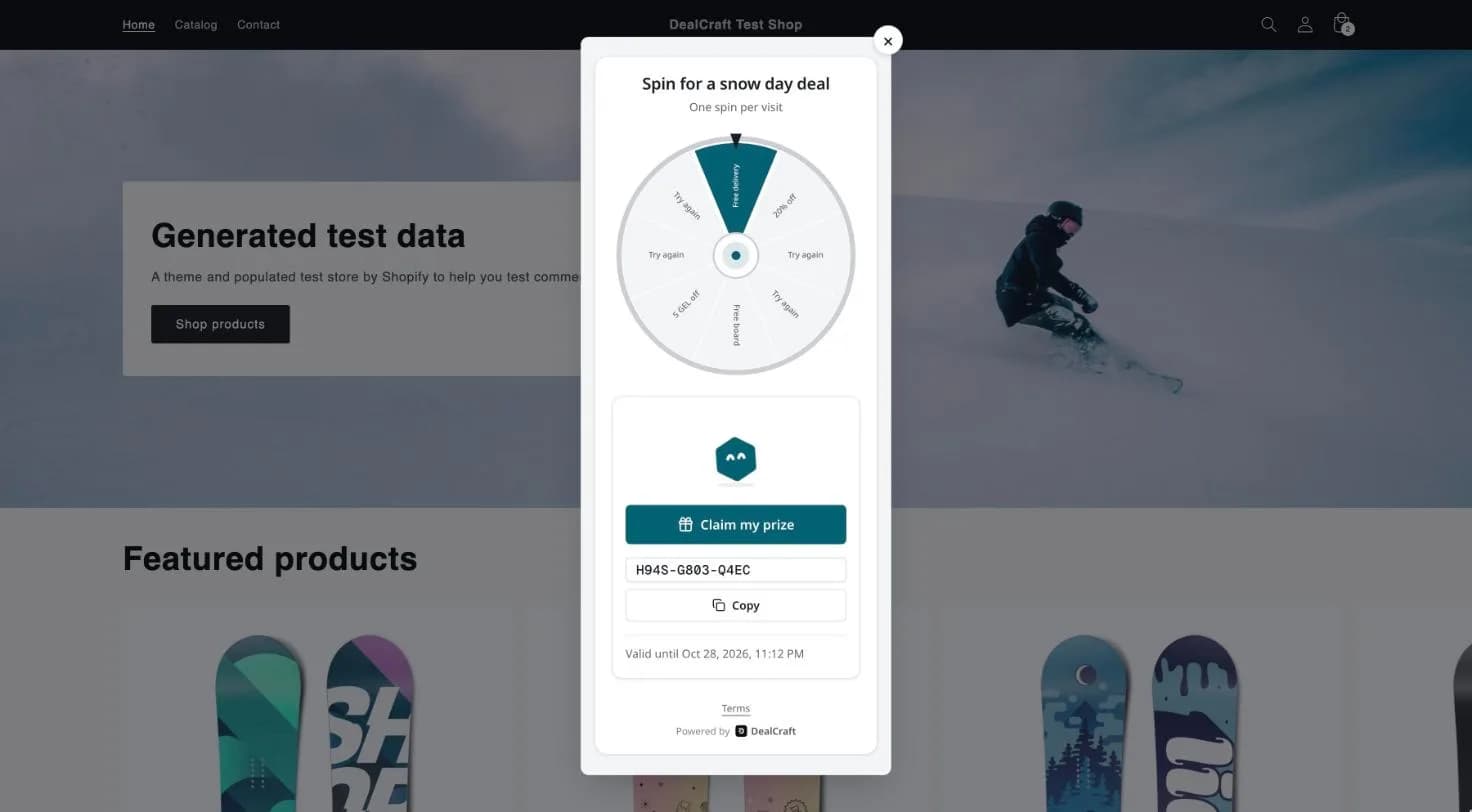
In the DealCraft dashboard, open Integrations, choose Shopify and enter your store address. Shopify asks you to approve the app and sends you back to DealCraft.
In Shopify, open Online Store, then Themes, then Customize, and turn on DealCraft under App embeds. Nothing is pasted into your theme, and removing the app removes the game.
How to choose the right prizes
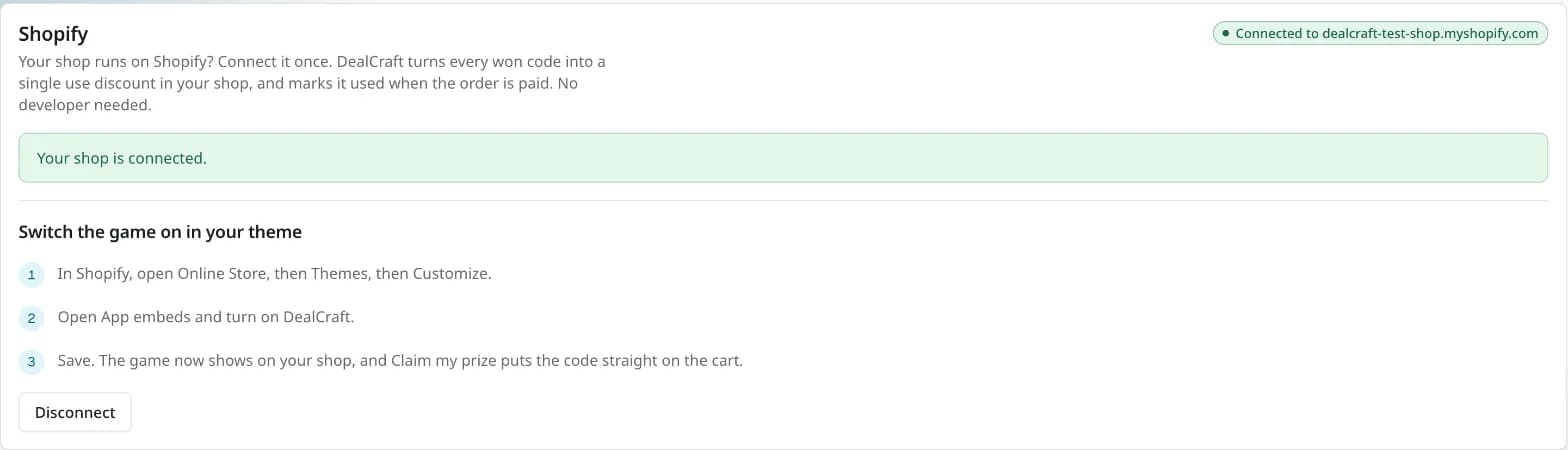
Free delivery and a small percentage off with a minimum spend are the safest start, because they lift the order value as well as the share who buy. A free product works when it is something cheap you always keep in stock.
Keep the win rate honest and the budget fixed. A game that pays out often but small feels generous and costs less than one large discount for everyone.
Questions
- Is DealCraft a Shopify app?
- Yes. DealCraft for Shopify connects from the Integrations page of the DealCraft dashboard and adds the game to your theme as an app embed. It is not listed in the Shopify App Store yet.
- Which prizes work at Shopify checkout?
- Percent off, a fixed amount off in your store's currency, free delivery and a free product matched by SKU, each with an optional minimum purchase. A free product that comes with a minimum purchase is handed over from the dashboard instead, because Shopify checks that minimum against the product alone.
- Can a reward code be used twice?
- No. Every code is a single use discount in Shopify. If the same reward is used somewhere else first, for example at your counter, DealCraft switches the Shopify discount off.
- Do I need a developer or theme code?
- No. You connect the store from the dashboard and turn the app embed on in the theme editor.
Try it on your shop
Build a discount wheel, scratch card or mystery box in about 10 minutes. The free plan gives you 200 plays a month and needs no card.
Start free